Help › Account
Alerts, activity and limits
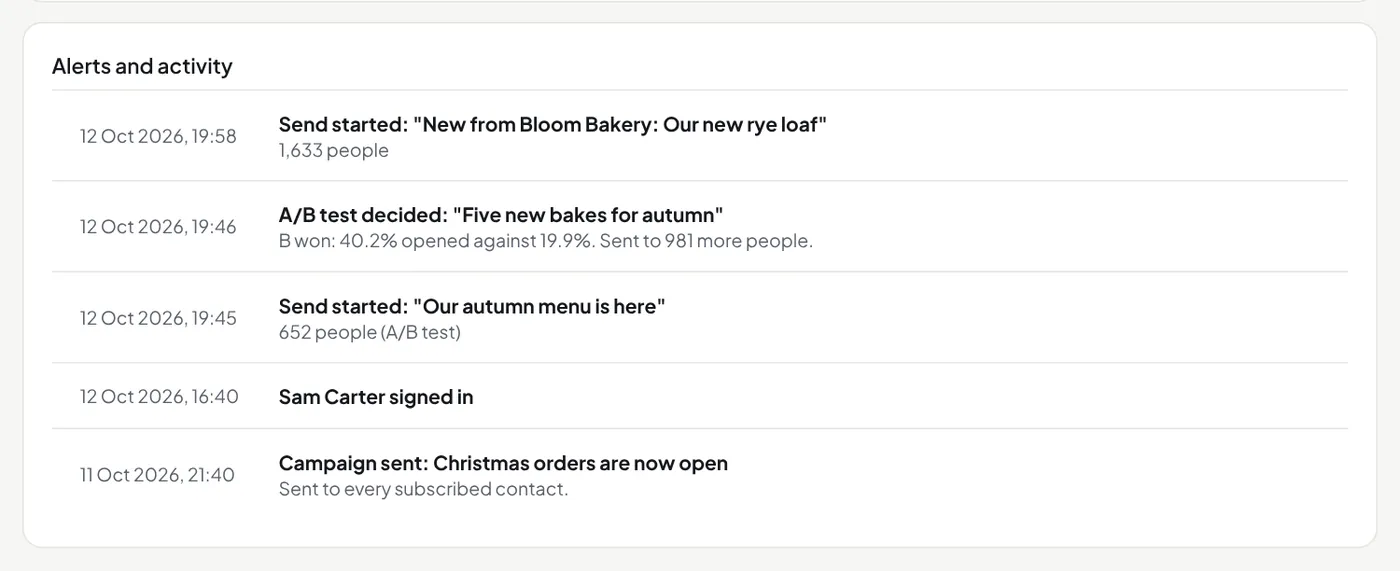
The Overview page lists alerts and activity. Owners and admins also get each alert by email, at most once an hour for each kind.
| Alerts | A campaign paused itself; an automation switched itself off; somebody marked an email as spam; many sign-ups came from one place on a form; a daily, feed or RSS email was not sent; a plan change switched features off; a new API key was made; an app was connected. |
|---|---|
| Activity | Sign-ins and sends. Not emailed. |
Notices from the Mailfly team
We tell you about changes to the service, new features and planned work. A notice comes by email to the owners and admins, or as a blue banner at the top of your pages, or both. Press Hide to hide a banner in that browser. We may also write to you about your account; reply to that email and the answer comes to us.
If our team pauses your account (see the Terms, section 12), a red banner gives the reason, and the owners and admins get an email. Nothing is sent while it is paused. Sign-in, forms and the API still work.
Limits
- Sign-up forms: 20 sign-ups an hour from one network address.
- The contacts API: 120 requests an hour for each key, up to 1,000 contacts in each. Send the visitor's
ipwith a sign-up for a limit of 5 sign-ups per visitor per 10 minutes. - The campaigns API: 60 requests an hour for each key.
- Claude and other AI apps: 600 tool calls an hour for each key or connected app. Over it, the owners and admins get one alert.
- A business can have 10 API keys.
- These are the standard numbers. Settings → API and AI apps shows yours; ask us through the chat if you need more.
- Sign-in: 20 requests an hour from one network address, and 5 links a day for each address.
- Unsubscribe, confirm and keep buttons: 30 presses per network address per 10 minutes.
The campaigns API
GET /api/v1/campaigns lists the emails on your public archive. POST /api/v1/campaigns with subject, preview_text and html or markdown makes a draft. Sending is always a press in the app.