Help › Account
Team members and more than one business
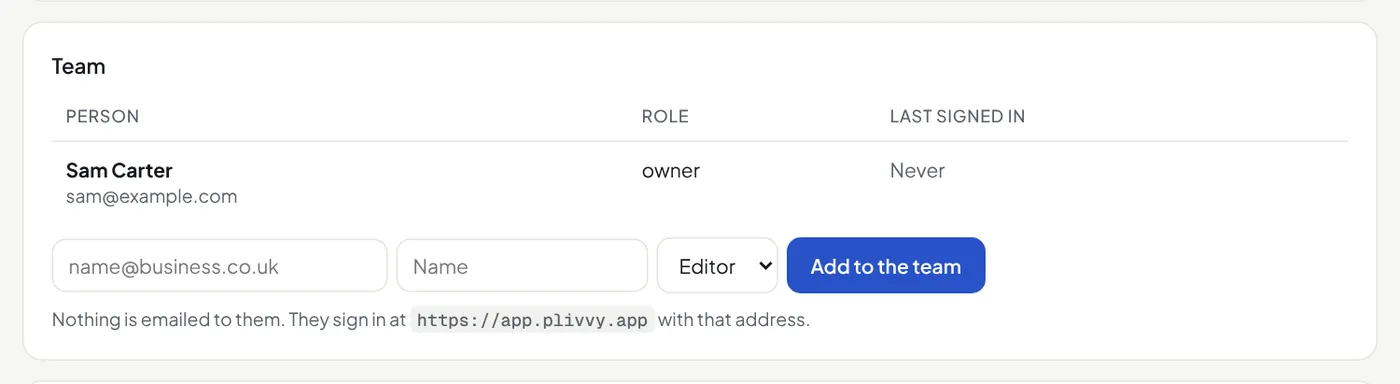
Open Settings → Team to add a person as an editor or an admin. Nothing is emailed: they sign in with that address. Only owners and admins can add people and make API keys.
To run a second business, or a client's, open Settings → Plan and account → Another business. Switch between them at the top of the menu.
Close a business
An owner opens Settings → Plan and account → Close this business and types the business name. Download your contacts first. Closing stops everything at once: nothing is sent, forms and landing pages stop, API keys and connected apps stop working. 7 days later we delete the business and all its data, and team members who belong to no other business. Until then, an owner can sign in and press Reopen; what was switched off stays off. Cancel a paid plan in Billing first.