Help › Contacts
Import straight from Klaviyo, Mailchimp and others
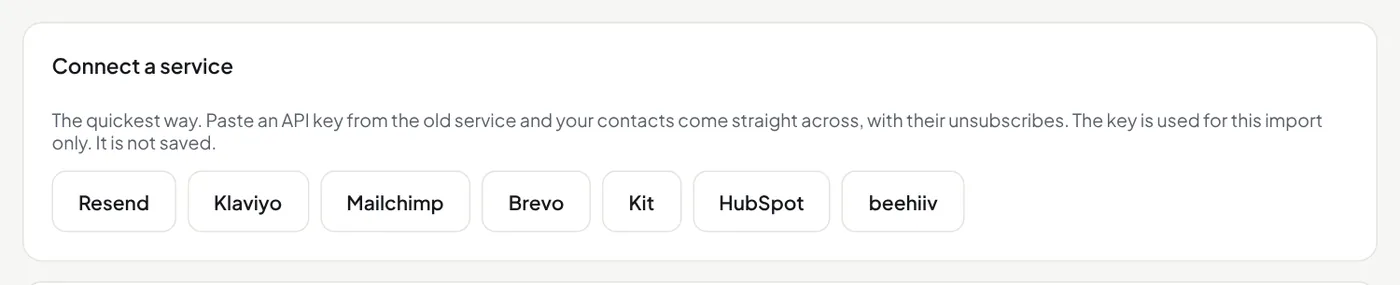
Open Subscribers → Import contacts and pick the service under Connect a service: Resend, Klaviyo, Mailchimp, Brevo, Kit, HubSpot or beehiiv.
- Make an API key in the old service. The page says where; a read-only key is enough where the service offers one.
- Paste it, choose the lawful basis, and press Read the lists. Nothing is saved yet.
- Check the lists: each list, segment or tag from the old service shows with its number of people and the tag it becomes here. Change a name, or empty the box for no tag. Then press Import.
The key is used for this import only. It is not saved. Keep the page open until it says finished. Lists become tags: Resend audiences and segments, Mailchimp lists and tags, Brevo lists, and beehiiv publications. People who unsubscribed, bounced or complained always come in with that status, whatever their tags.
Did this answer your question? If not, contact us or use the chat button.