Help › Getting started
Send your first email in a minute
When you make an account, the app opens Send your first email. You can also open it from Campaigns.
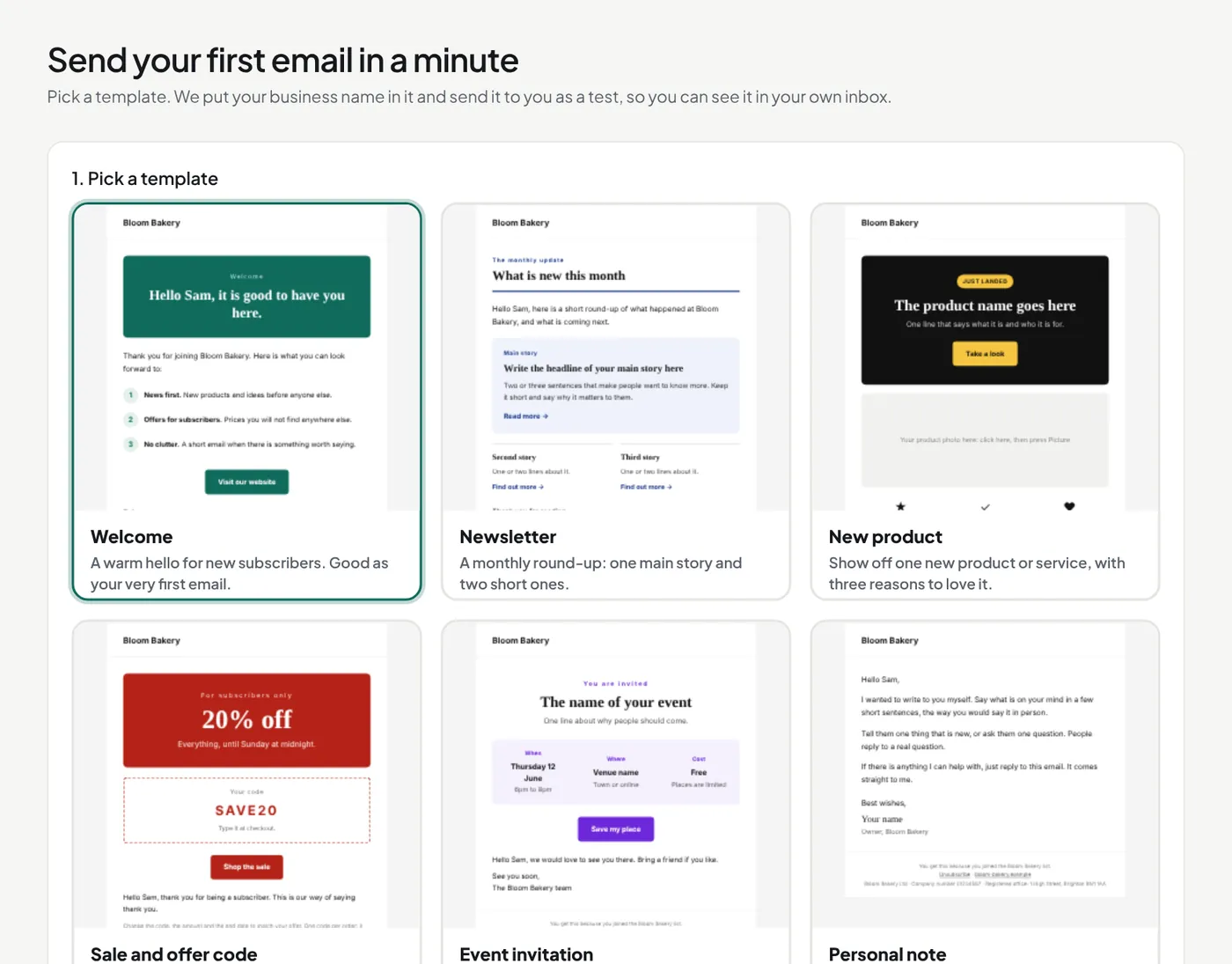
- Pick a template. Each one shows your business name.
- Check your business name and your email address.
- Press Send me a test.
The test arrives in a minute, with "[Test]" before the subject. If you do not see it, look in spam or promotions. Then press Open it in the editor to change the words.
Next steps
- Import your contacts
- Make a sign-up form
- Add your sending domain (Starter and Pro)
- Send a welcome email by itself (Starter and Pro)
- Compare the plans
Did this answer your question? If not, contact us or use the chat button.