Help › Sending
List cleanup: stop emailing people who never open
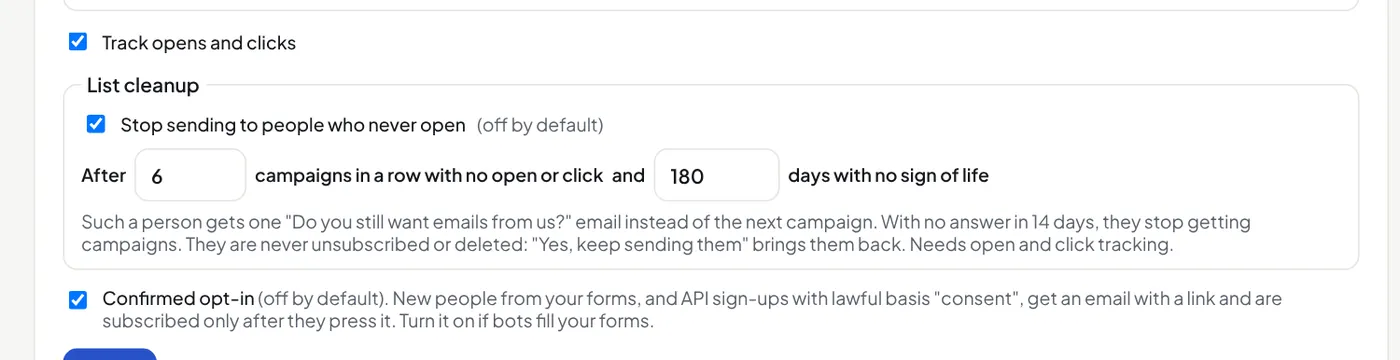
It is off unless you turn it on in Settings → Your business → List cleanup. It needs open and click tracking.
- When you send a campaign, a person who ignored the last 6 campaigns (you can change it) and showed no sign of life for 180 days (you can change it) gets one email instead: "Do you still want emails from us?", with a Yes, keep sending them button.
- If they press it, or open or click anything, they carry on as normal.
- If they do not answer in 14 days, the next campaign stops for them. Their status is Stopped (never opens). They are not unsubscribed or deleted.
A sign of life is an open, a click, the confirmation of a sign-up, or the day they joined. A stopped person who signs up again on a form is back. On their contact page you can press Send to them again.
Why: people who never open hurt how many of your emails reach the inbox, and on a paid plan they cost you sends.
Did this answer your question? If not, contact us or use the chat button.