Help › Sending
The warm-up of a new sending domain
Email services trust a domain that has sent good email for some time. A new domain has no history, so the app builds its volume up over 3 weeks.
| Week | Most emails in any 24 hours |
|---|---|
| 1 | The start size (500 unless our team changes it) |
| 2 | 2 times the start size |
| 3 | 4 times the start size |
| 4 on | No warm-up limit |
The weeks start at the domain's first send. Emails over the limit wait in the queue and go when there is room, so a big campaign goes over a few days. The people who opened or clicked most recently get it first.
Do this in the first weeks
- Send to your most engaged people first: under the tags, choose Only people who opened or clicked in the last 90 days.
- Remove old addresses that never open, and addresses that bounced in your old service.
- Keep the same sending domain. A new domain starts the warm-up again.
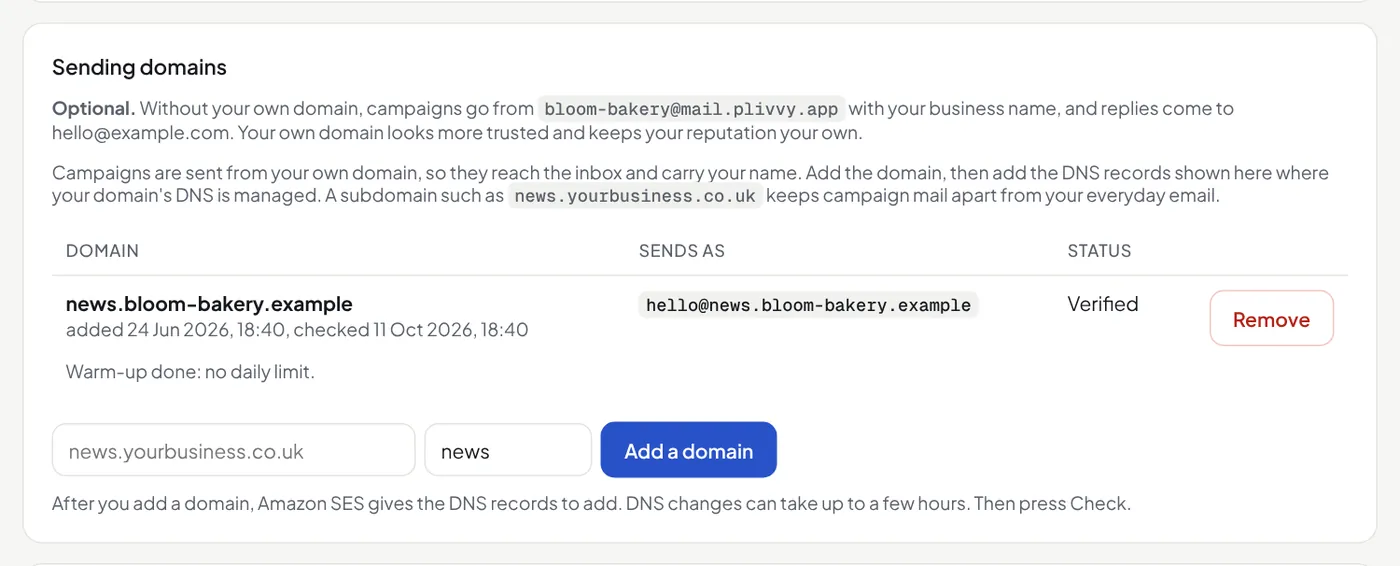
The Mailfly team sets the start size for each domain, from 50 to 2,000 a day. To change it, ask us through the chat. A change counts at once, also after the first send. Settings → Sending domains shows the limit and the emails sent in the last 24 hours. Without a domain of your own, the shared domain's warm-up counts every business that sends from it.
When the limit stops a campaign's emails, its report says so in a box at the top, with the time the next emails can go.